¶ Installation
The first step is to install the bundle, in NetSuite, navigate to to Customization > SuiteBundler > Search & Install Bundles. Search for the bundle ID 538872 and install the bundle listed as DevGroop | Stripe Payments.
¶ Setup
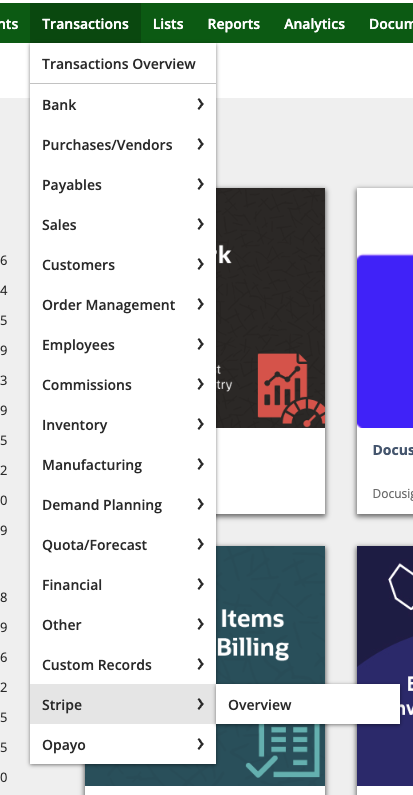
After the installation of the bundle, you will notice that a new menu item has been added to the “Transactions” tab in NetSuite. Access the Stripe Dashboard by going to Transactions > Stripe > Overview
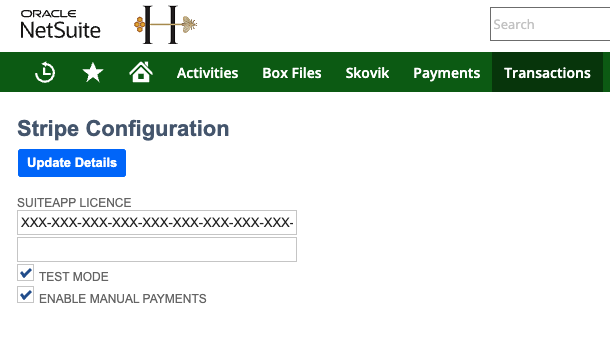
Once you have accessed the Stripe Overview Dashboard, please then click on “Configuration” which can be found under the “Overview” heading. DevGroop should have provided you with a license key. If not, please contact us here.
You will notice that there is a field for entering a SuiteApp License. Add the license key provided by DevGroop and click “Update Details”.